


Video Conferencing Equipment
FILTER
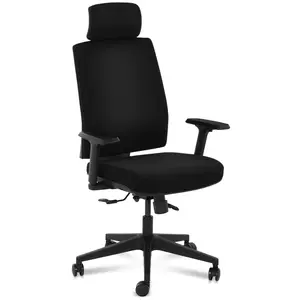

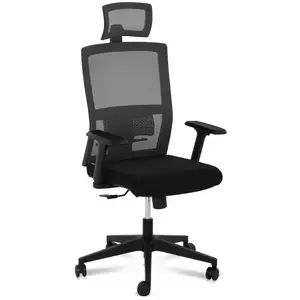
Office Chair - executive chair - headrest - 200 kg

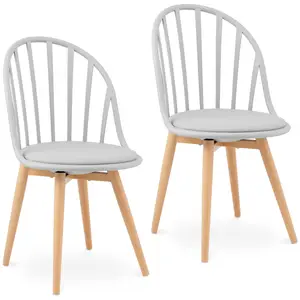
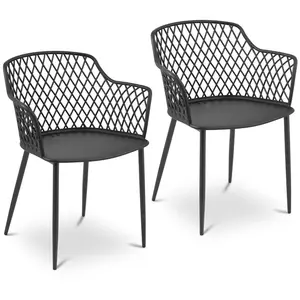
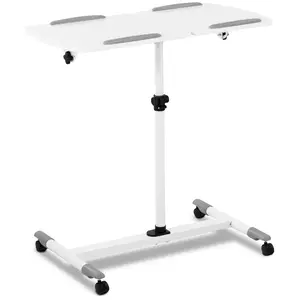
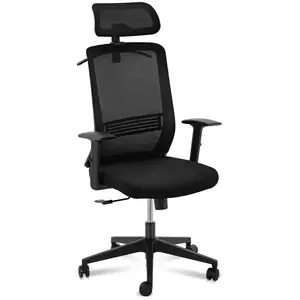
- First
- 1
- Last
Video conferencing equipment for a camera-ready desk setup
A polished call starts with a stable, well-planned workstation. Our video conferencing equipment category focuses on the everyday essentials that help you look professional, sound confident, and stay organised during meetings, training sessions, interviews, and client presentations—whether you are working from a spare room or fitting out a dedicated office.
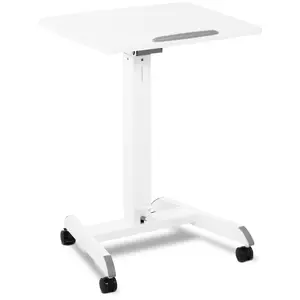
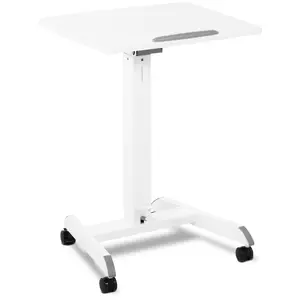
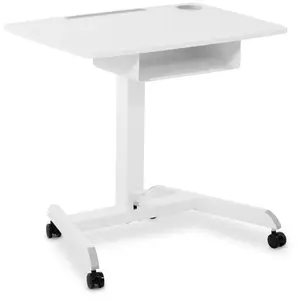
To create a reliable base for your laptop and accessories, choose from practical laptop desks that make it easy to position your screen at a comfortable height and angle. They are ideal for quick set-ups, hot-desking, or moving between rooms without compromising on posture. If you prefer a more permanent work area, explore robust desk solutions and frames designed to support longer sessions and heavier kit, including notebooks, keyboards, and second screens.
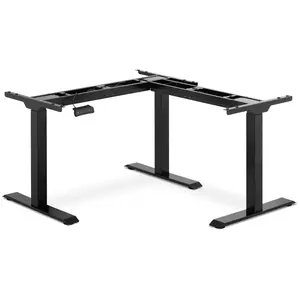
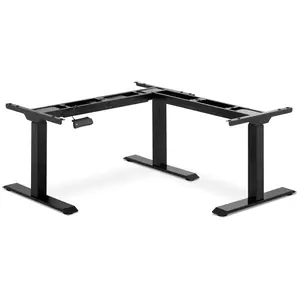
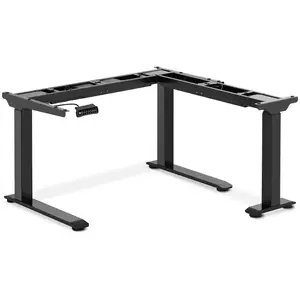
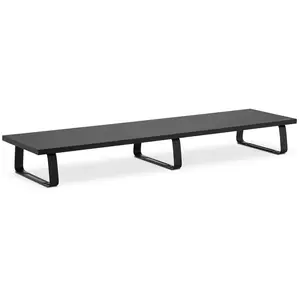
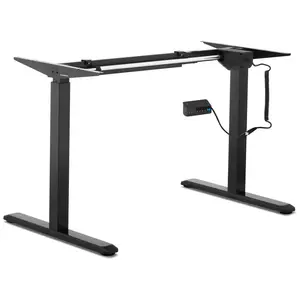
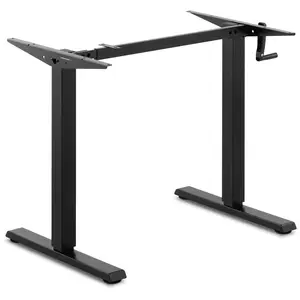
For a more bespoke layout, standing desk frames and corner standing desk frames let you build a workspace around your room and working style. A sit-stand approach is particularly useful when days are filled with back-to-back calls: switching posture can help reduce fatigue and keep your energy steady throughout the afternoon. Many users also benefit from adding a monitor stand to bring the camera line closer to eye level, creating a more natural on-screen presence and helping you avoid the “looking down” angle that can make you appear distracted.
If you are planning a full workstation refresh, pairing your set-up with our computer desks can help you achieve the right blend of stability, space, and style. A well-sized surface gives you room for notes, a mouse, and a tidy audio or charging set-up, while still leaving clear space in frame for a professional background.
Ergonomic video conferencing equipment: seating that keeps you focused
Comfort is not a luxury when meetings run long—it is part of performing at your best. Seating plays a key role in how you present yourself on camera: good support encourages an open posture, steadier head position, and fewer mid-call adjustments. That is why our selection includes seating solutions designed for everyday work, from classic task seating to more supportive office-ready options.
Choose a chair that suits how you work: if you spend hours in calls, look for designs that promote a balanced sitting position and help you stay comfortable during presentations, training, and collaborative sessions. For multi-use rooms, versatile chairs are an excellent option, providing a clean, cohesive look that feels professional on screen and practical off screen.
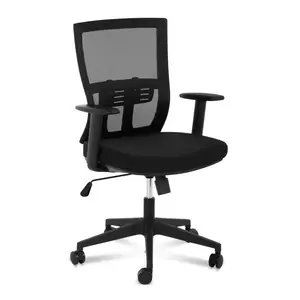
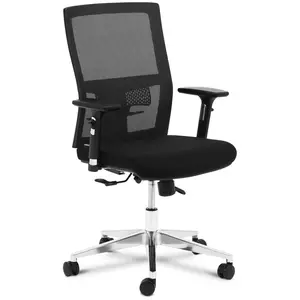
To complete the set-up, consider pairing your desk choice with our office chairs. The right chair helps you maintain a consistent seated height relative to your laptop or monitor stand, which can improve eye contact and keep you framed neatly throughout the call. It is a simple upgrade that can make daily meetings feel smoother and more confident.
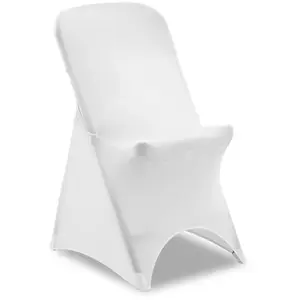
For shared spaces, events, or rooms that need to switch between functions, stretch chair covers offer a quick way to refresh the look of your seating and create a more unified appearance behind you. They are especially handy for pop-up meeting areas or home offices where the backdrop needs to feel intentional rather than improvised.
Video conferencing equipment that keeps your space tidy and professional
A clutter-free environment supports clearer thinking and a better impression on camera. Cables, chargers, adapters, and spare stationery can quickly take over a workspace, so practical organisation tools are a smart addition to any video-ready set-up.
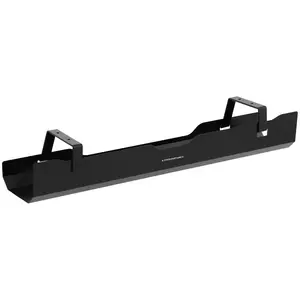
Cable management trays help keep leads off the floor and out of sight, reducing visual distraction and making it easier to clean and maintain your area. When your power and data cables are routed neatly, it is simpler to plug in quickly before a call and less likely that you will knock something loose mid-meeting. A tidier underside of the desk also makes standing transitions smoother if you use a sit-stand frame.
For environments where focus and privacy matter—such as shared offices, studios, classrooms, or customer-facing spaces—add partitions to structure the room without building permanent walls. Our desk dividers help create defined zones for calls, reduce visual interruptions, and contribute to a calmer on-screen background. They are an easy way to give each workstation a more purposeful, professional feel.
Bring everything together with thoughtful layout choices: place your laptop desk or main surface at a comfortable distance, raise your screen with a monitor stand for a natural viewing angle, and use storage and cable routing to keep essentials close without crowding your frame. With the right video conferencing equipment, your set-up becomes more than a place to sit—it becomes a dependable, camera-ready workspace that supports clear communication and confident performance day after day.